Renters and providers
Renting hashrate
Sign in, set a refund address, pick a rig, choose your pool or solo target and pay through RugWard Pay - step by step.
On this page
1. Sign in#
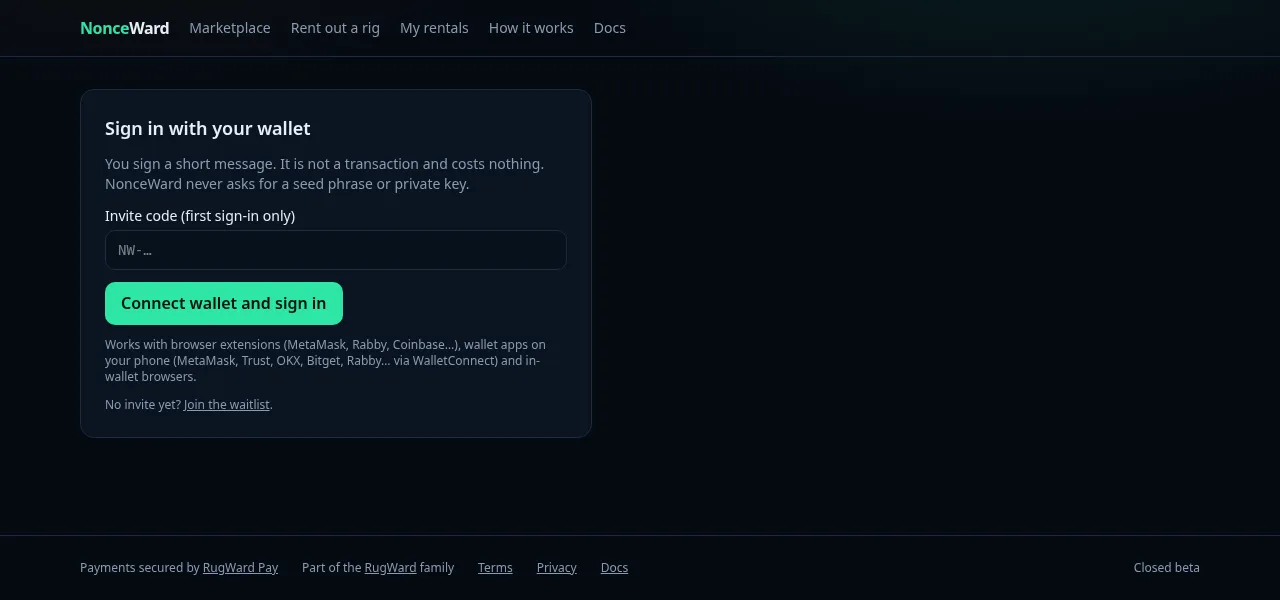
Open My rentals and click Connect wallet and sign in. You sign a short message with an EVM wallet (for example MetaMask or Rabby). It is not a transaction and costs nothing. Any EVM wallet works: a browser extension (MetaMask, Rabby, Coinbase…), a wallet app on your phone (the wallet list opens; pick MetaMask, Trust, OKX, Bitget, Rabby… and approve in the app; on a computer you can scan the QR code instead) or the in-app browser of your wallet. On a phone, the sign-in card also has direct "open this page inside your wallet app" links (MetaMask, Trust, Coinbase, OKX, Bitget). NonceWard never asks for a seed phrase or private key. The first sign-in during the beta needs your invite code (NW-…).
2. Set a refund address#
In My rentals, set your refund address and the coin you want refunds in: USDC on Base, Bitcoin (BTC), Monero (XMR) or Litecoin (LTC). Unused escrow (and the matching part of the 3% renter fee) is refunded there after each rental. You must set it before you can rent.
3. Pick a rig#
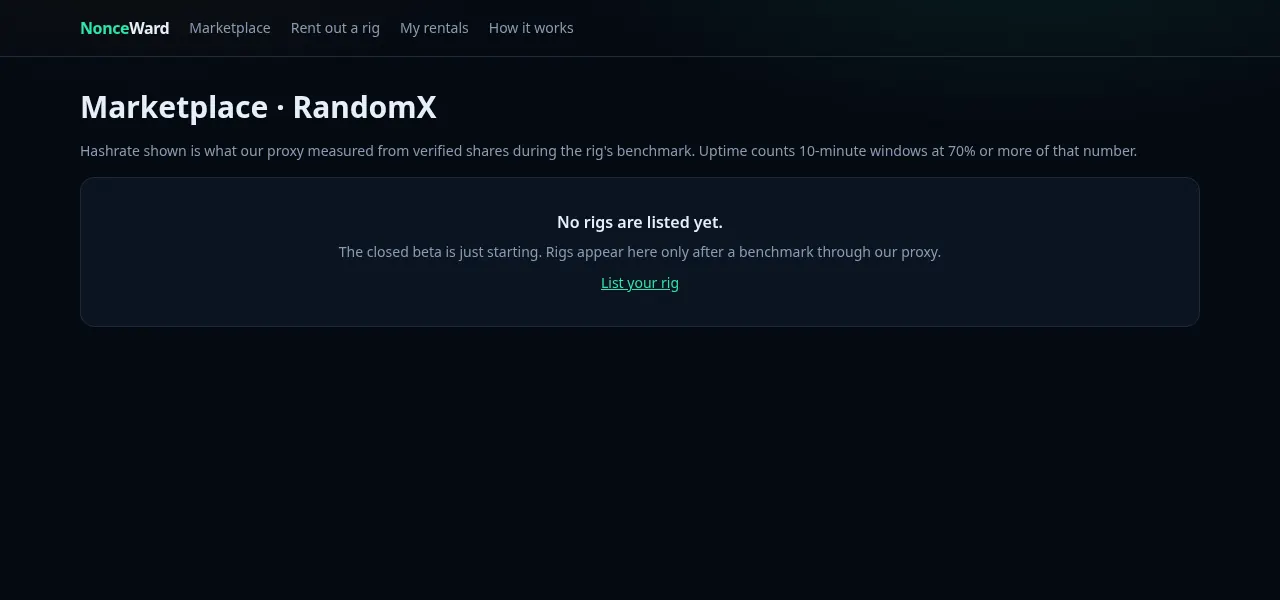
The Marketplace lists RandomX rigs with the hashrate measured by the proxy during the benchmark, the price in USD per KH/s per hour, the allowed rental hours and the uptime (share of 10-minute windows at 70% or more of the measured hashrate).
4. Choose hours and target#
Click Rent this rig and fill in:
| Field | Rules |
|---|---|
| Hours | within the rig's minimum and maximum (overall 1 to 720 hours) |
| Pool or solo host | a public host name such as pool.supportxmr.com (or a public IPv4). stratum+tcp:// prefixes are accepted. Private, local and internal hosts are refused. |
| Port | the pool's Stratum port (for example 3333 or 443). Ports below 1024 other than 80 and 443, and well-known service ports, are refused. |
| TLS | tick it if the pool port uses TLS |
| Login | usually your Monero address (up to 200 visible characters) |
| Password | optional, defaults to x |
Solo mining: point the rental at your own Stratum endpoint, for example P2Pool running next to your Monero node.
The form shows the total: rental price + 3% renter fee, rounded up to the cent. One rental can cost at most $5,000 during the beta.
5. Pay with RugWard Pay#
Click Continue to RugWard Pay. You are sent to a RugWard Pay checkout where you choose the coin and pay from your own wallet (how the checkout works). You have 30 minutes to pay; an unpaid rental expires and the rig becomes available again. You can cancel an unpaid rental.
When the payment is confirmed the rental becomes active and starts at the next 10-minute boundary. If a payment arrives short or late, the rental goes to review and the team settles it by hand.
6. Follow your rental#
My rentals shows each rental with a table of settled windows: the window, the verified hashrate, the percentage of promise, the window price, what was released to the provider and what comes back to you. Each window settles about 10 minutes after it ends.
When the rental ends, the refund owed to you is shown. During the beta, refunds are sent manually by the NonceWard team after settlement. See Escrow, fees and a worked example.
Mining income depends on your pool or node and on luck. NonceWard measures and pays for hashrate; it does not promise any mining income.
Last updated: October 30, 2026