Renters and providers
Providing a rig
List a RandomX CPU rig - sign in, pay the $20 stake, add the rig, connect XMRig with your rig key, pass the benchmark, set your price and get paid.
On this page
Requirements#
- A CPU rig that you own or are allowed to use, running XMRig (or another RandomX miner that speaks Stratum).
- An EVM wallet to sign in, and an invite code during the closed beta.
- A payout address: USDC on Base, Bitcoin (BTC), Monero (XMR) or Litecoin (LTC).
- A Monero address for idle mining (see below).
1. Sign in and set your payout#
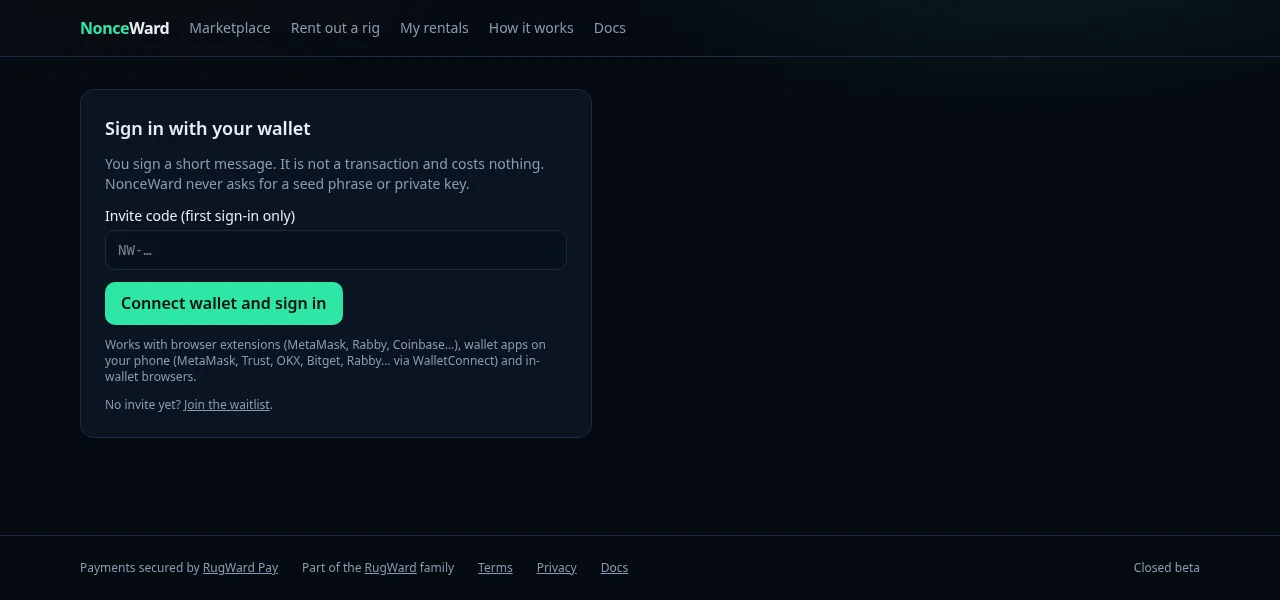
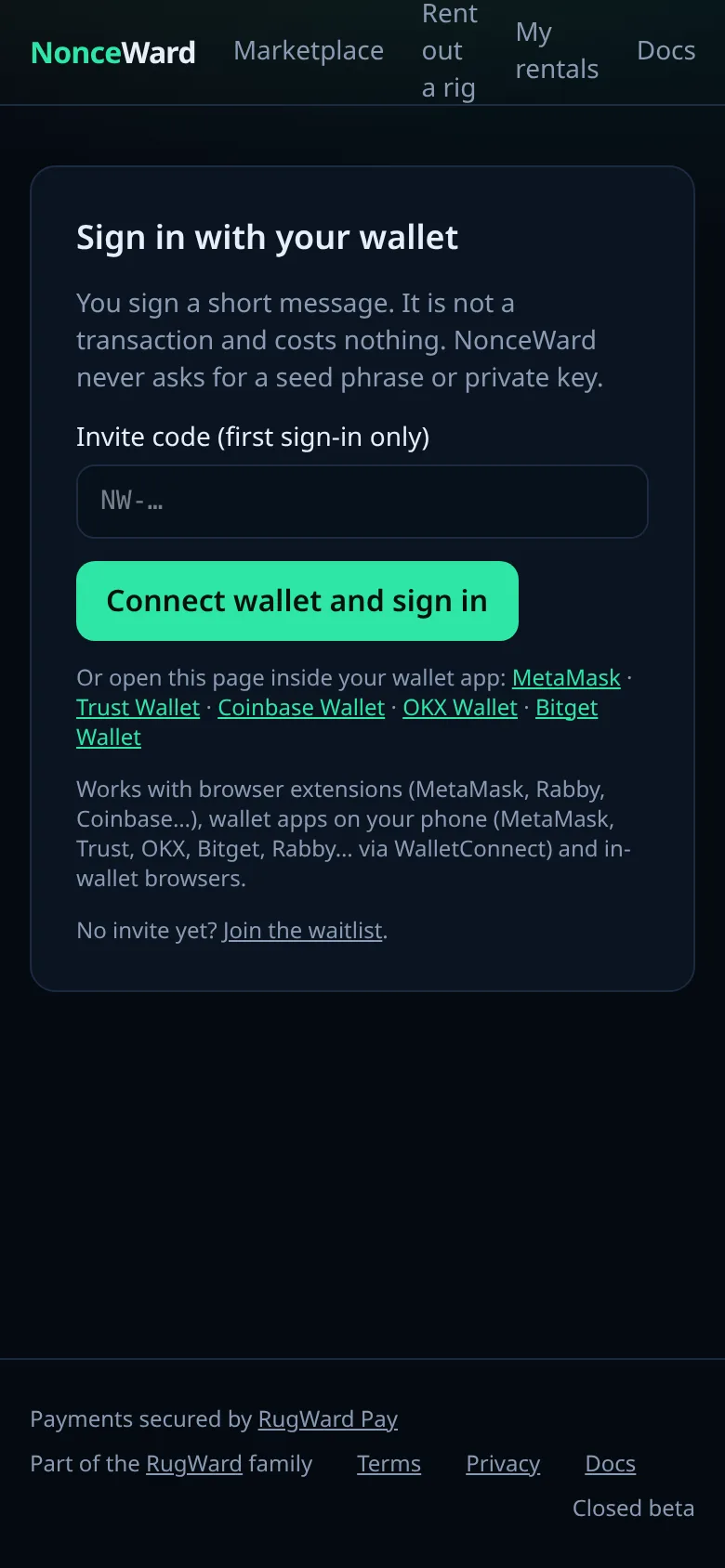
Open Rent out a rig and sign in with your wallet (a free message signature, not a transaction). On a phone without a wallet browser, the wallet list opens and you approve in your wallet app (WalletConnect). In Payout, choose the coin and enter the address your earnings are paid to.
2. Pay the $20 stake#
Click Pay $20 stake. You pay it through a RugWard Pay invoice. The stake is held while you provide and can be slashed for cheating (fake or replayed shares). A rig cannot be listed without an active stake. Each account can have up to 20 rigs.
3. Add a rig#
In Add a RandomX rig (CPU) enter:
| Field | Rules |
|---|---|
| Name | 1–40 characters |
| USD per KH/s per hour | more than $0 and at most $1, up to 6 decimals |
| Min hours / Max hours | whole hours, 1 to 720, min ≤ max |
| Idle-mining Monero address | when the rig is not rented, it mines to a public pool (pool.supportxmr.com:3333) for this address, so your work is never wasted |
You can change the price and hours later with Edit price.
4. Connect XMRig with your rig key#
After adding the rig you see Your rig key (shown once), starting with nw_. Use it as the miner login:
xmrig -o stratum.nonceward.com:3333 -u nw_YOUR_RIG_KEY -p x -a rx/0The same as an XMRig config.json pool entry:
{
  "pools": [
    { "url": "stratum.nonceward.com:3333", "user": "nw_YOUR_RIG_KEY", "pass": "x", "algo": "rx/0", "keepalive": true }
  ]
}Anyone with the rig key can mine as your rig. Store it like a password. If it leaks, click Rotate key: the old key stops working immediately.
5. Run the benchmark#
Click Start benchmark. It starts at the next 10-minute boundary and lasts two windows (20 minutes). During the benchmark the rig mines through the proxy to the benchmark pool, credited to your own idle-mining address. The rig's listed hashrate is the lower of the two windows' verified hashrates, and it must be at least 50 H/s. Your status goes New → Benchmarking (20 min) → Benchmarked: ready to list. You can Re-run benchmark later (for example after a hardware upgrade) while the rig is not rented.
If the benchmark sees a share whose RandomX hash does not match, it fails and the rig is flagged for review.
6. List, pause, get rented#
Click List on marketplace. Renters see the measured hashrate, your price, the allowed hours and your uptime. Pause hides the rig. While a rental is active the rig mines for the renter's target; afterwards it returns to listed (or paused if flagged).
Rentals of my rigs shows each rental with its status, hours, escrow, what you earned and the current window.
7. Earnings and payouts#
Every 10-minute window of a rental settles about 10 minutes after it ends (see Escrow). Your dashboard shows Earned (after 3% fee) and Owed to you. During the beta, payouts are sent manually by the NonceWard team after each rental, to your payout address and coin.
Tips#
- Keep the miner running with a stable connection: windows with no shares pay nothing, and windows below 70% of your measured hashrate are paid in proportion.
- Do not overclock beyond what the rig sustains: renters are promised the benchmark number.
- Never send fake or replayed shares: the proxy recomputes every hash, the window pays 0, the rig is flagged and the stake can be slashed.
Last updated: October 30, 2026